
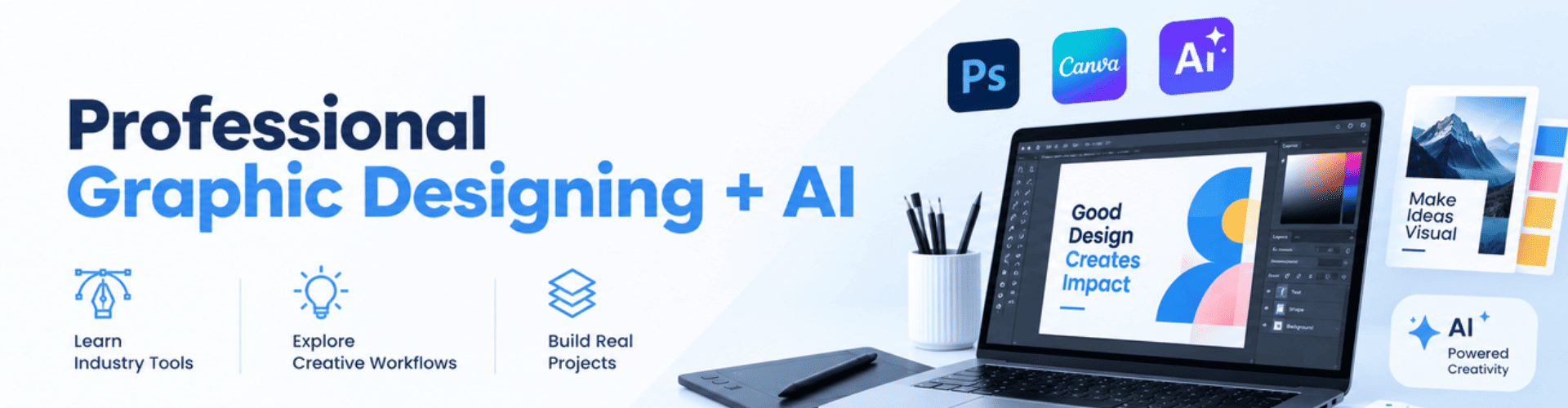
Professional Graphic Designing with AI
About the Course
The Professional Graphic Designing + AI course at CodeSquadz is designed for learners who want to develop practical graphic design skills and understand how AI can support modern creative workflows. Students learn design principles, typography, color theory, image editing, branding, and marketing creatives while exploring AI-assisted ideation, image generation and creative enhancement. The training progresses from design fundamentals to advanced creative projects, helping students build a portfolio of digital and marketing designs.
What Will You Learn?
Design Fundamentals — Understand composition, visual hierarchy, typography, color theory, Photoshop layers, masks, selections, image editing, and export formats. Professional Design + AI Workflow — Create social media posts, carousels, posters, banners, thumbnails, and brand-consistent marketing creatives using AI-assisted ideation and image generation. Advanced Design, AI + Portfolio — Work on advanced compositing, brand identity, professional retouching, AI-assisted image enhancement, and a complete client-style design campaign.
Complete Course Curriculum
Month 1 — Design Fundamentals & Photoshop
Build a strong foundation in design and image editing.
• Introduction to Graphic Design
• Design Principles, Composition & Visual Hierarchy
• Color Theory & Typography
• Photoshop Interface, Layers, Masks & Selections
• Image Editing & Retouching
• Basic Photo Manipulation
• Resolution, File Formats & Export
Practical work: Posters, basic social media creatives, photo editing, and promotional designs.
Month 2 — Professional Design + AI Workflow
Create marketing designs and integrate AI into the creative process.
• Advanced Photoshop Techniques
• Social Media Posts & Carousel Design
• Posters, Banners & Marketing Creatives
• YouTube Thumbnail Design
• Branding & Visual Consistency
• Introduction to AI in Graphic Design
• AI-assisted Creative Ideation & Moodboards
• AI Image Generation & Prompting Basics
• AI-assisted Background/Object Creation & Removal
• Creating Design Variations with AI + Photoshop
Practical work: Social media campaign, promotional campaign, thumbnails, and AI-assisted creative variations.
Month 3 — Advanced Design, AI & Portfolio
Develop advanced creative skills and complete a portfolio project.
• Advanced Compositing & Creative Design
• Brand Identity & Campaign Design
• Professional Retouching & Creative Enhancement
• AI-assisted Image Enhancement & Creative Workflows
• AI-assisted Concept Development and Visual Exploration
• Combining AI-generated Assets with Photoshop
• Client-style Design Projects
• Portfolio Development
• Final Capstone Project
Practical work: An end-to-end client-style campaign using professional design skills and appropriate AI-assisted
workflows.
Course Outcomes
By the end of 3 months, students will be able to create professional digital and marketing creatives using Photoshop, Canva and modern AI-assisted workflows while building a practical portfolio.
Who Should Consider This Course?
Suggested positioning for aspiring graphic designers, students, beginners interested in digital creativity, aspiring freelancers and professionals looking to strengthen design skills with AI-assisted workflows. Confirm final admission eligibility with management.
Potential Career Pathways
• Graphic Designer
• Social Media Designer
• Creative Designer
• Marketing Designer
• Freelance Graphic Designer
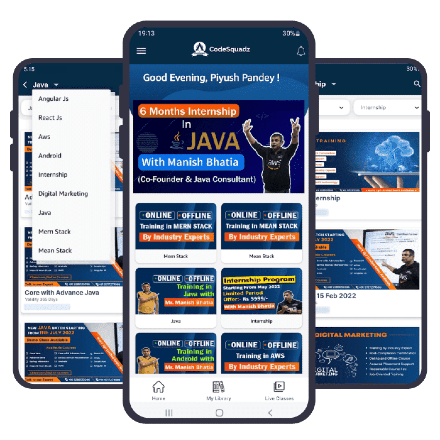
For viewing the content download the Window or Android application from the below links.


Helpful Frequently Asked Questions (FAQs)
Professional Graphic Designing with AI
You will Get:
- Live Project Training
- Problem Solving Session
- IT Company Exp. Certificate
- Knowledge of AWS
- Placement Assistance
- 24x7 Support